Bring every page
into focus.
Upload a PDF and we upsample, sharpen and prep every page for print. Set your paper size and bleed, then download one press-ready file your printer can run.
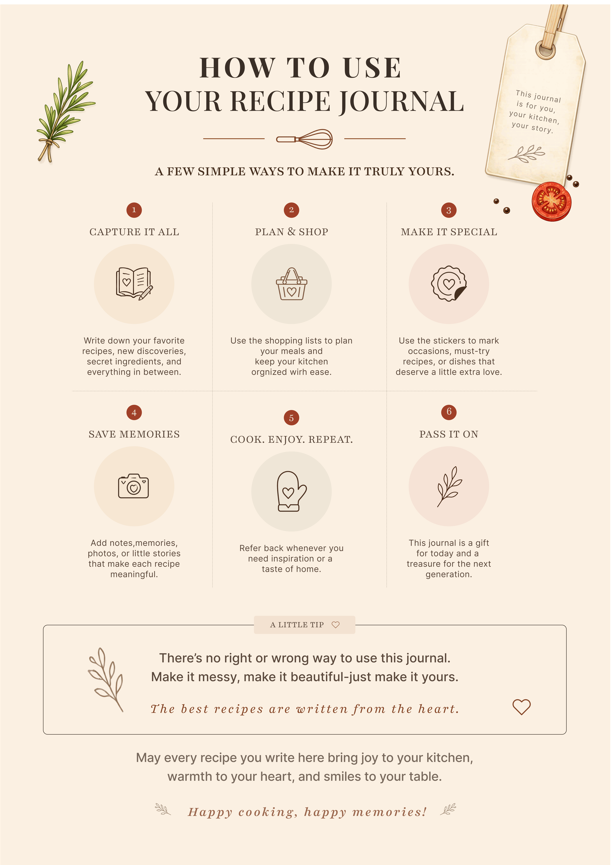
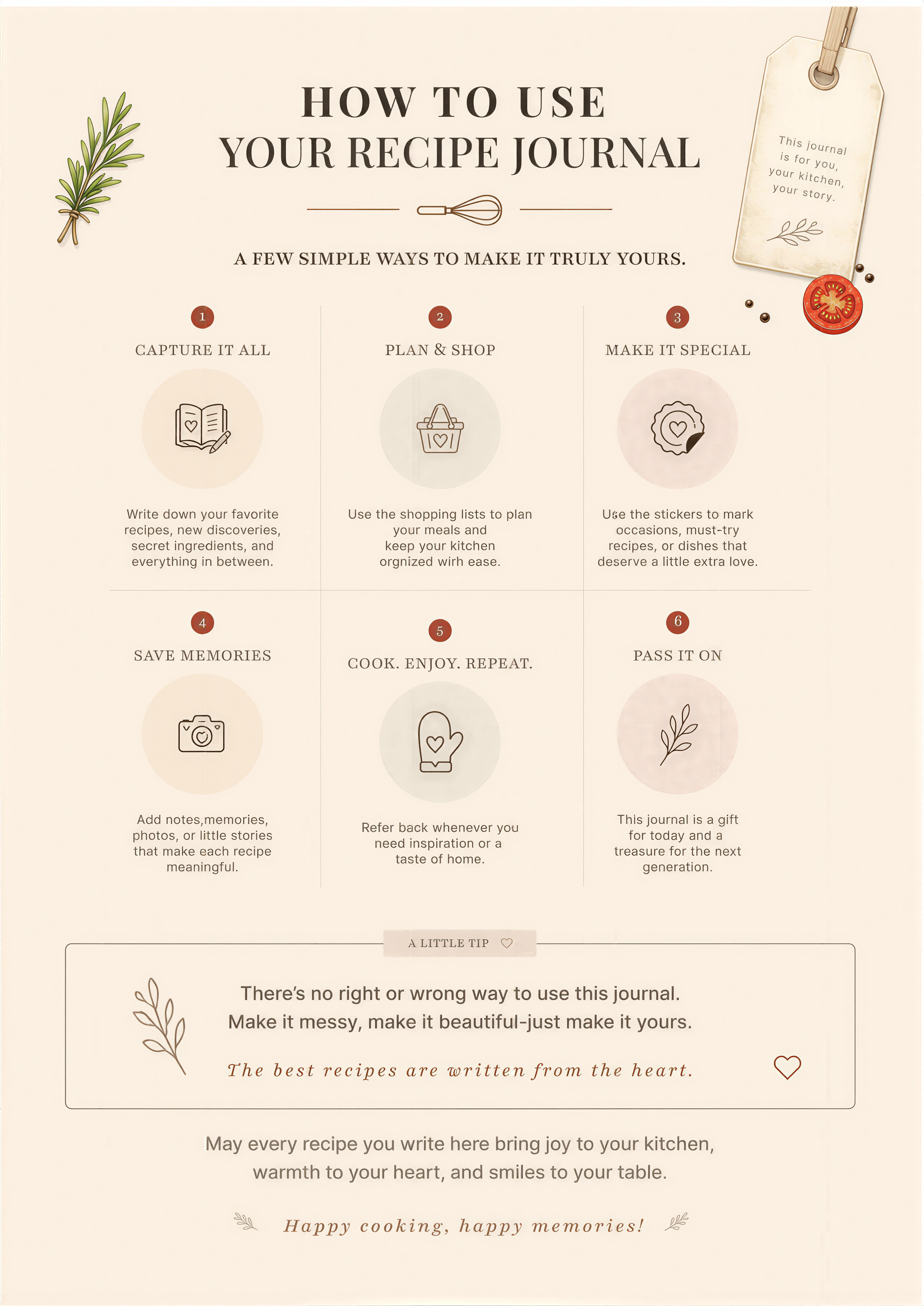
Sharper, not just bigger.
Upsampled for print
Every page is upsampled to your target DPI and sharpened, so small text and fine detail hold up when the file is printed at size.
Crisp at scale
Sharpening keeps fine lines and artwork from going soft when a page is scaled up for a larger sheet or a higher resolution.
Multi-page, one run
Upload a multi-page PDF and watch each page move through upscaling, sharpening and colour prep in real time. No black-box waiting.
Locked to your spec
Paper size, bleed and resolution are set before export, so the file you download is exactly what the printer runs.
How it works.
Three steps from a rough PDF to a file your printer can run.
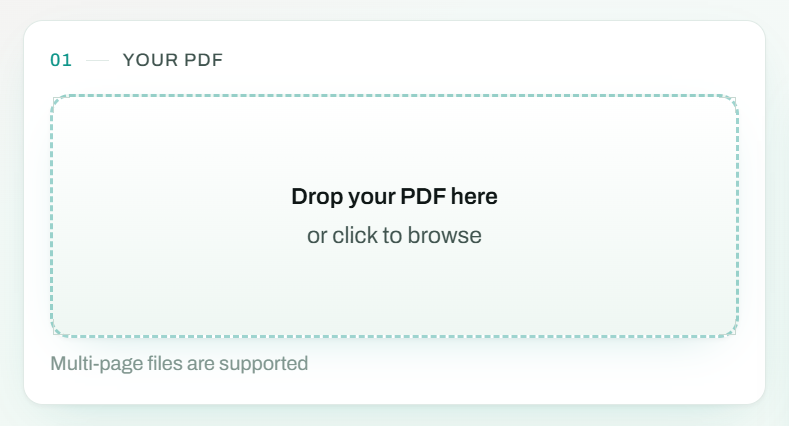
Upload
Drop in a PDF. We read every page before a single pixel changes.
INPUT: MULTI-PAGE PDF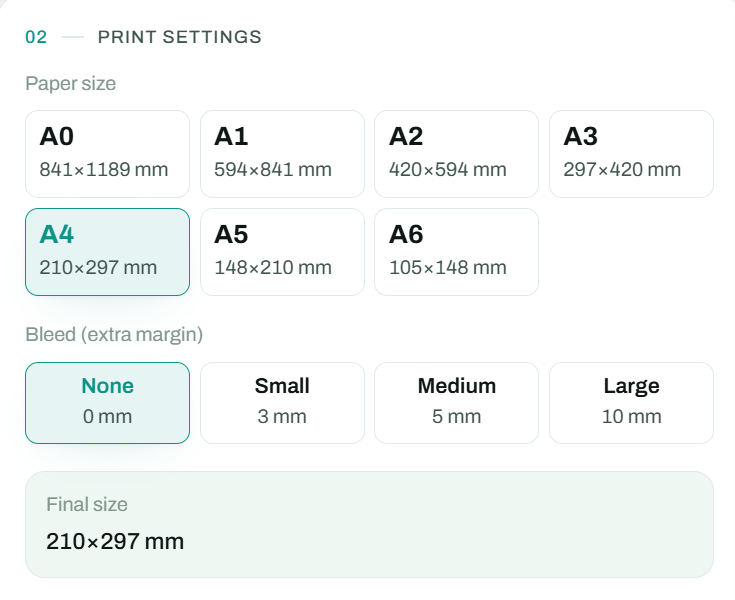
Upscale
Each page is upsampled to your target DPI, sharpened and colour-prepped for press.
UP TO 300 DPI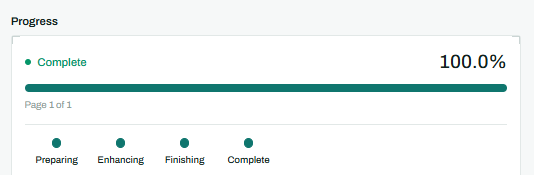
Export
Set paper size and bleed, then download one press-ready PDF.
OUTPUT: PRESS-READY PDFBuilt for print, not just bigger.
| PDF Upscaler | Typical upscaler | |
|---|---|---|
| Built for | Print: size, bleed, CMYK | Resolution only |
| Output | Press-ready PDF | Flat image files |
| Colour | CMYK prep (Pro & Team) | RGB only |
| Pricing | Credits: pay per page | Fixed monthly plan |
Send your next job to press.
Upscale your first PDF. Set the size and bleed, then download a press-ready file.
Upload a PDF